Options
The defocus tab is responsible for having the defocus settings, applying focus, setting sizes, setting modes, etc.
When you open the node, you will see the main a.k.a. defocus tab. See the image below:
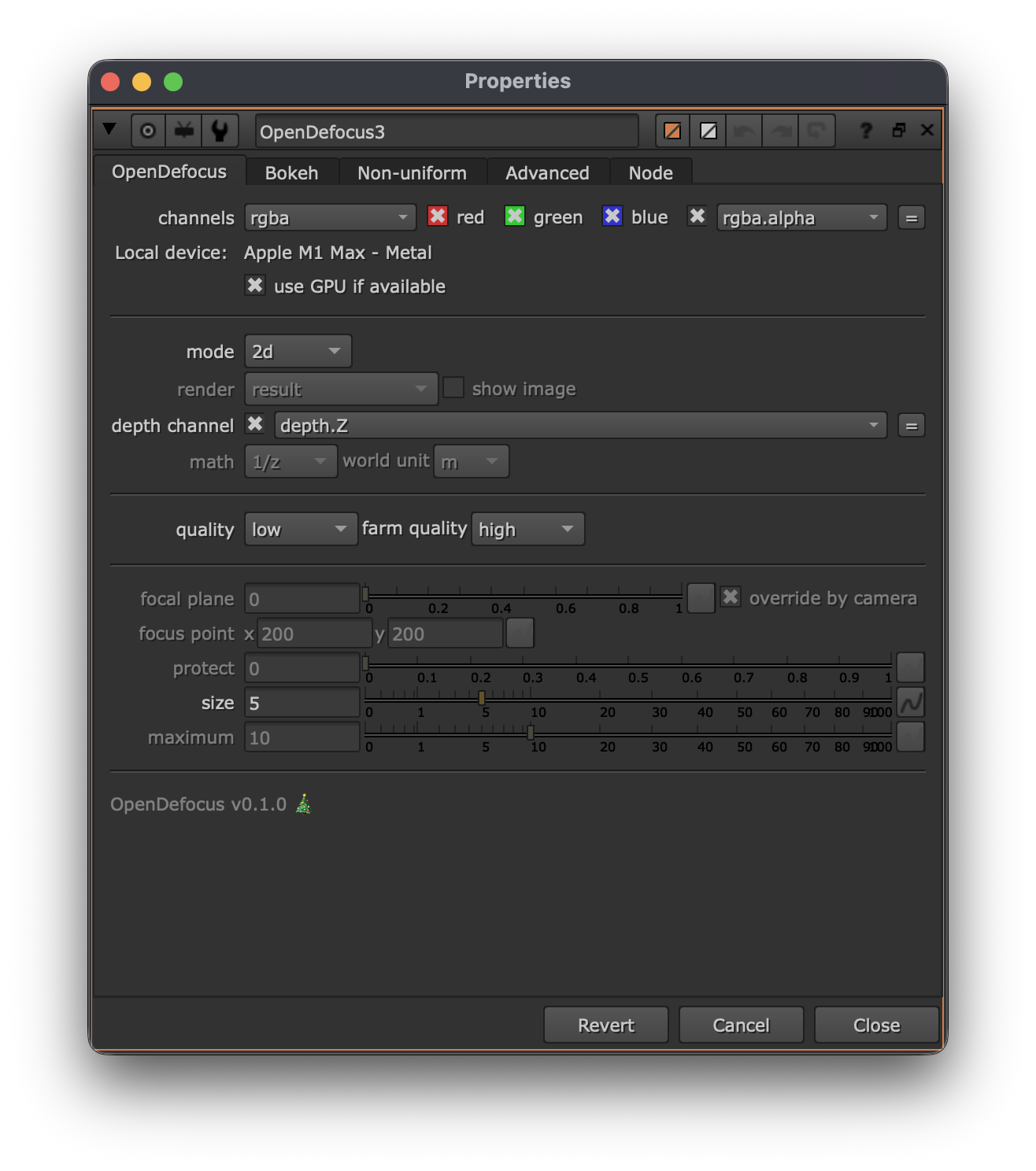
The most important options are:
- mode: the mode to apply the defocus. Either 2D, depth or camera
- math: only when performing depth based defocus, define the type of depth map being used. ( Depth math)
- size: the size of the defocus in pixels.
- focus plane (C): define the point of focus, comparable to focussing on a real lens.
- maximum: when using depth, this will define the maximum defocus value ( Defocus size).
These controls are made as similar as possible to existing tools, to make it easy to adapt it in your workflow.